
Usage Reporting provides content authors with an overview of all the Action Items they have published to see the publish state and progress of users the content was shared with.
Coach Usage Reporting will be accessible for all Users. However, data will only populate for Users who have authored content (logged in via Vision and published).
The Usage Reporting page can be accessed via the Nav Menu.
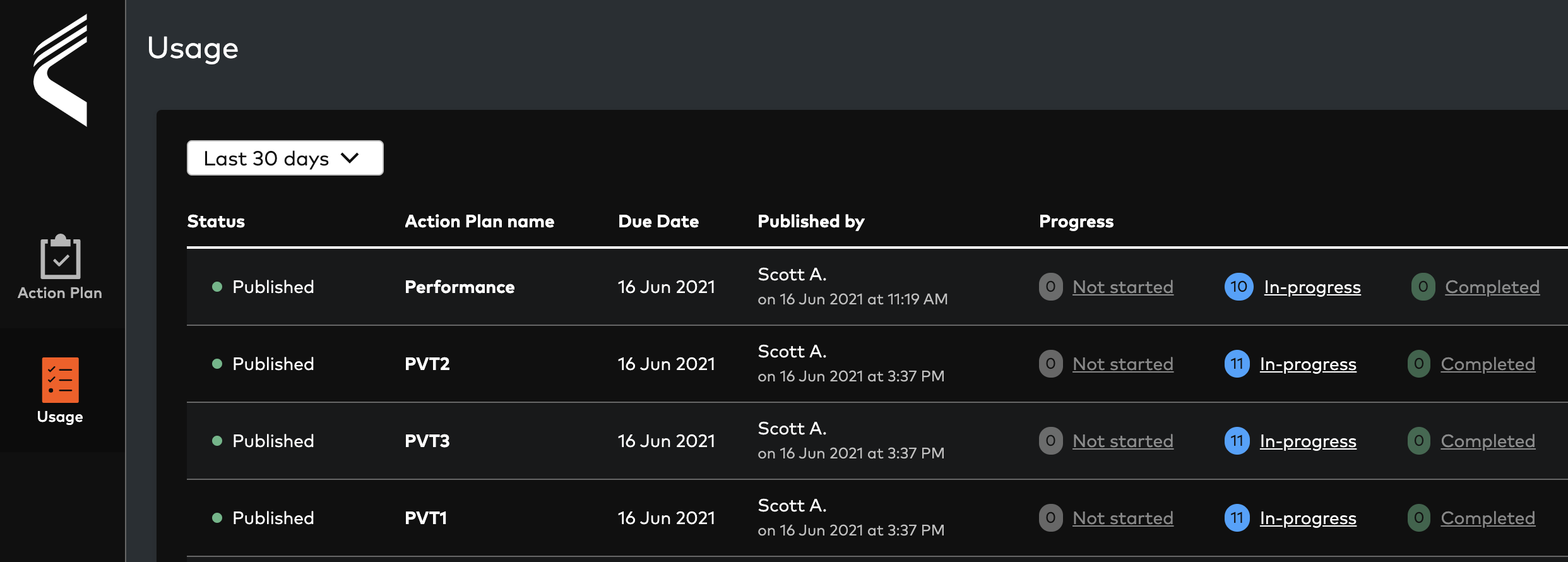
By default when opening the page, ten Action Items with a due date in the previous 7 days (today inclusive) window will load.
Users can then perform the following operation on the table:
-
Edit the Date Range selector to:
-
Previous 7, 14, and 30 Days
-
Next 7, 14, and 30 Days
-
-
Order by the due date descending or ascending
-
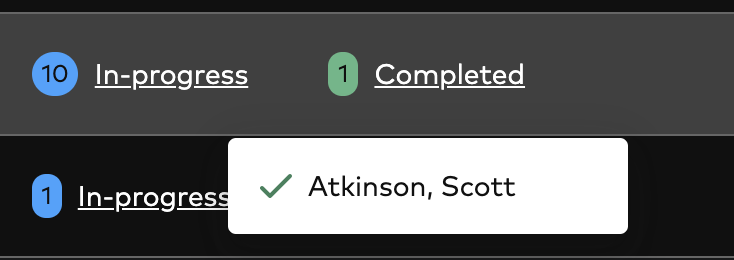
View all users in each status
-
Not Started = 0 tasks completed
-
In Progress = at least one task completed but not all
-
Completed = user has completed all tasks within the Action item
-
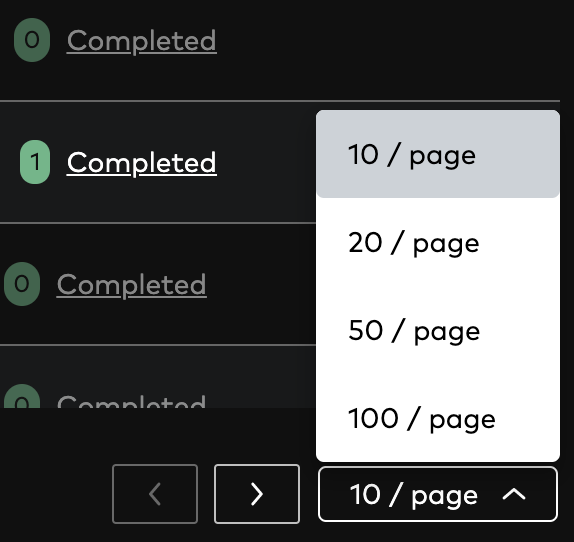
By default 10 results will display per page. Users can edit this to display 20, 50 or 100 results. Next and Previous page selectors will display as applicable to the results to display.
Comments
0 comments
Please sign in to leave a comment.