
You will have five (5) days to accept the invite link to the platform.
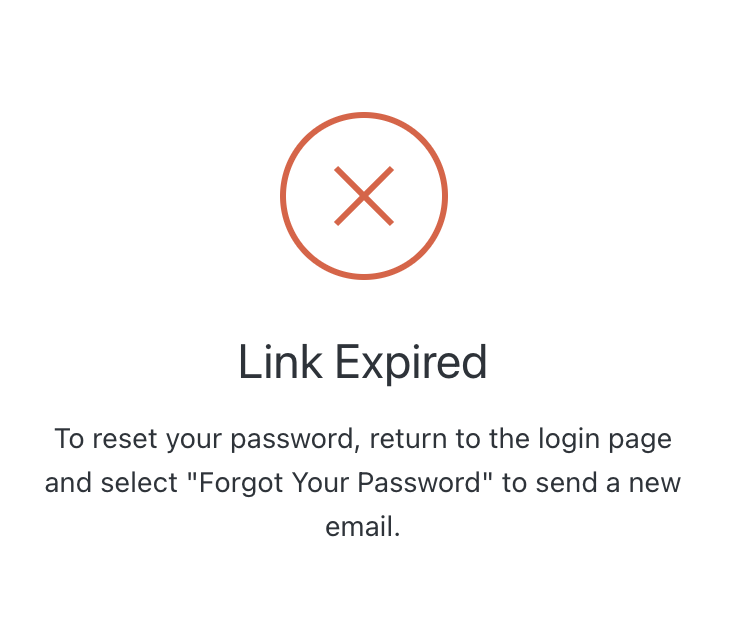
If you are unable to register within this five-day window, you’ll see the following screen when you click the invite link.
Don’t worry! There is an easy way to get you set up on the platform.
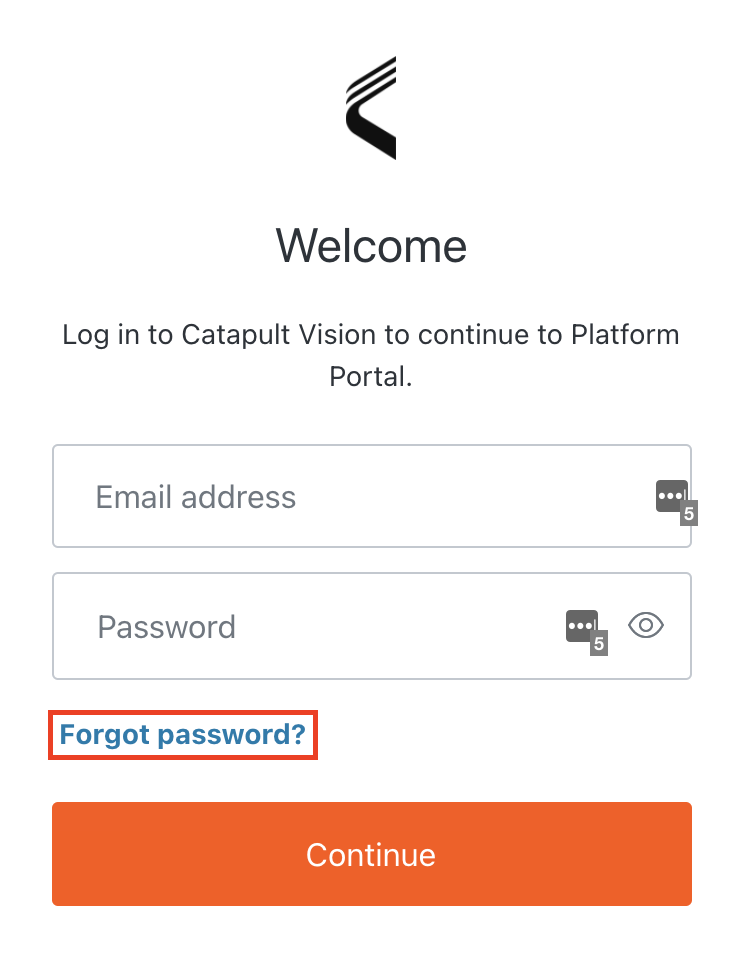
Please navigate to Catapult Portal and click Forgot Password.
Input your e-mail address on the next screen.
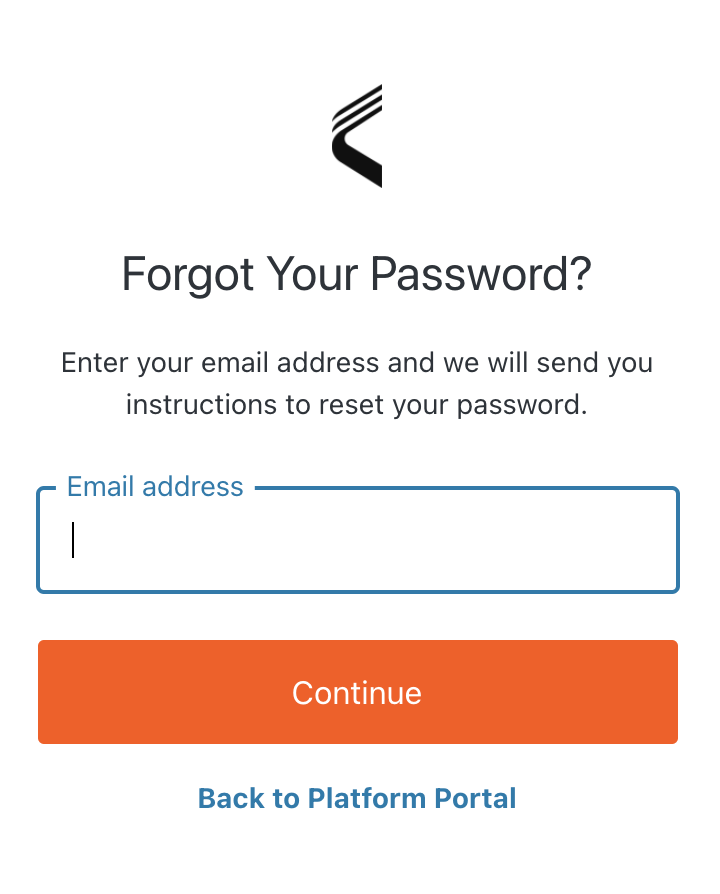
This will activate a 'Password Reset' e-mail.
Check your inbox and click the reset password link.
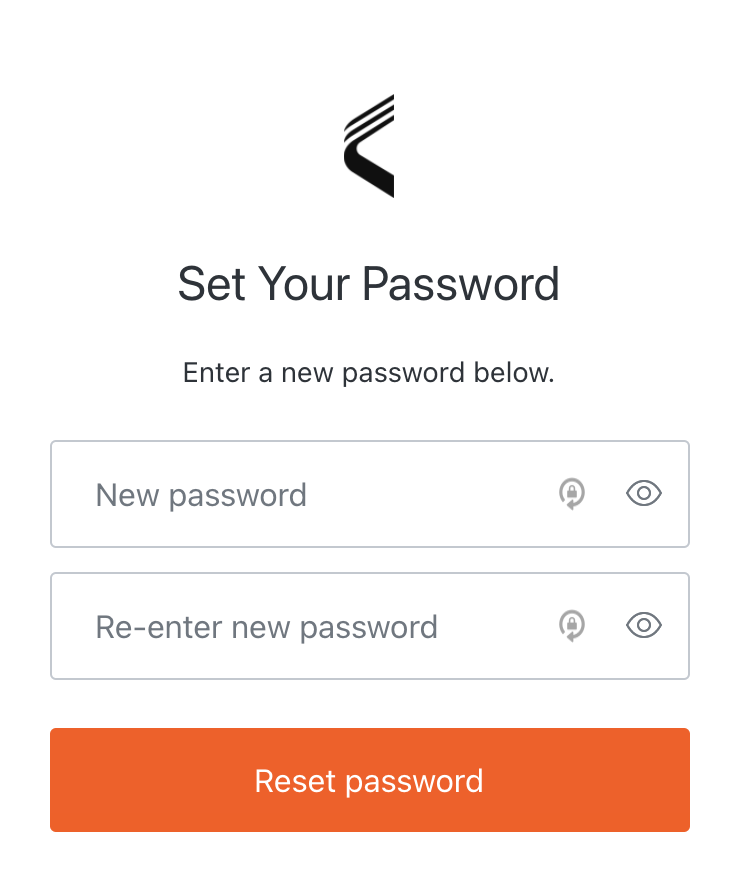
This will take you to a password reset page. Please input a password and confirm it.
You will now be able to log in to the platform with your e-mail and new password!
Comments
0 comments
Please sign in to leave a comment.