
How do I disable/enable biometrics for the app?
If your phone allows FaceID or TouchID, the app will ask you for permission to use this native setting after your first login.
To disable this, please go to the native phone settings and edit via the app settings.
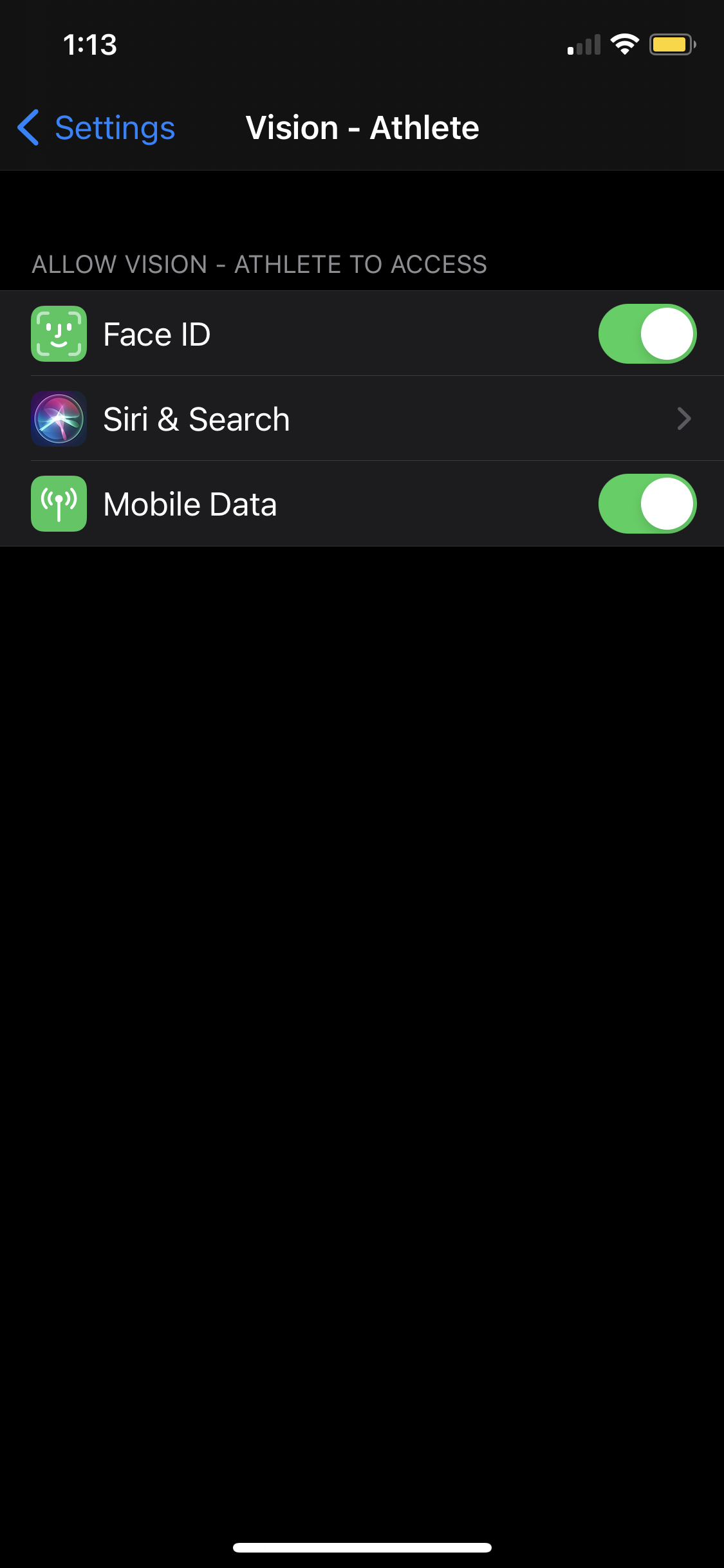
Please note that if you have Biometrics disabled and you fully close the app you will be required to log in when reopening the app.
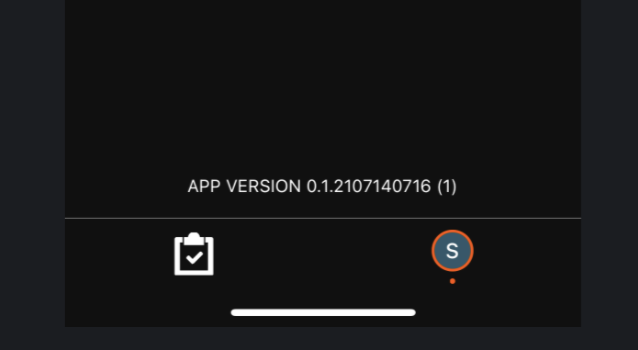
How do I know which version of the app I have installed?
The App version can be found via the Account Settings Page. Please take note of the version listed above the bottom nav menu.
I have updated my details on the web but they are not showing on the app?
The app will fetch your details when initially logging in and after opening the app from a closed state.
Please close and reopen the app to refresh the data.
I have completed tasks on web but they are not showing as complete on the app?
This is the same as above. Please fully close the app so the updated data can be fetched.
I have changed my password but the app is still logged in?
If you have a valid token for the app this will keep you logged in until it expires or you sign out.
Will the app remember where I watched up to on videos?
No. Please use the video timeline to get back to any point in a video you were previously up to.
I can’t hear audio - why?
Audio requires your phone to have silent mode off. Please turn this off then audio will come through.
Can I use the app in aeroplane/offline mode?
No. The app requires a network connection to operate.
Comments
0 comments
Please sign in to leave a comment.