
Save Old Projects
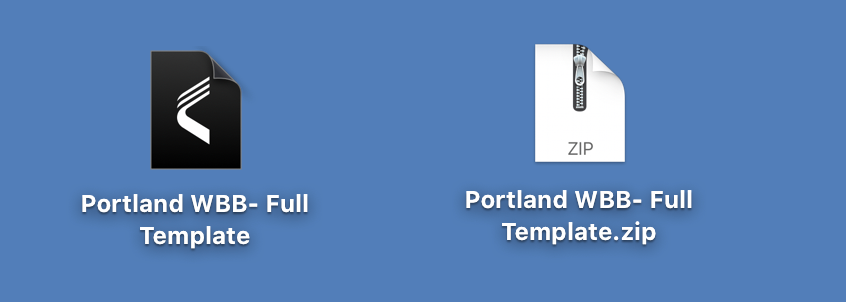
- Compress
- Select Project File
- Right Click
- Select “compress”
- You have created a .zip of that file that can be saved externally

- Save copy to Cloud Drive or External HD
- Copy and Paste to external drive or network/cloud drive
Run the Reset Tool
- Run Vision Reset
- Available here: Download Vision Reset Tool
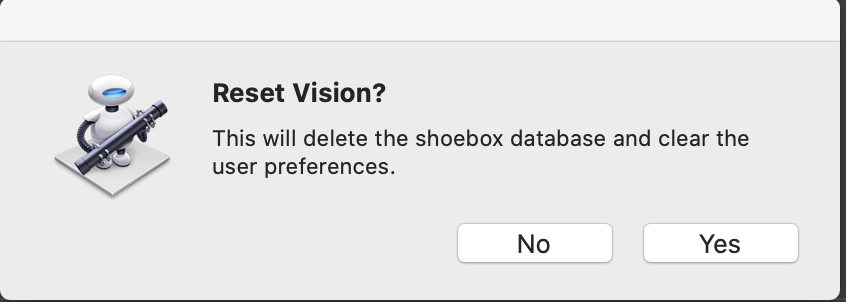
- Double click and select yes
Security Message: Cannot Launch Vision Reset “developer verification”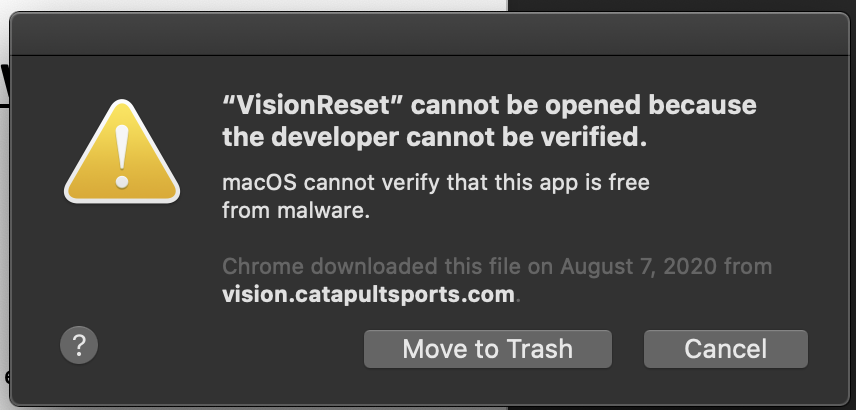
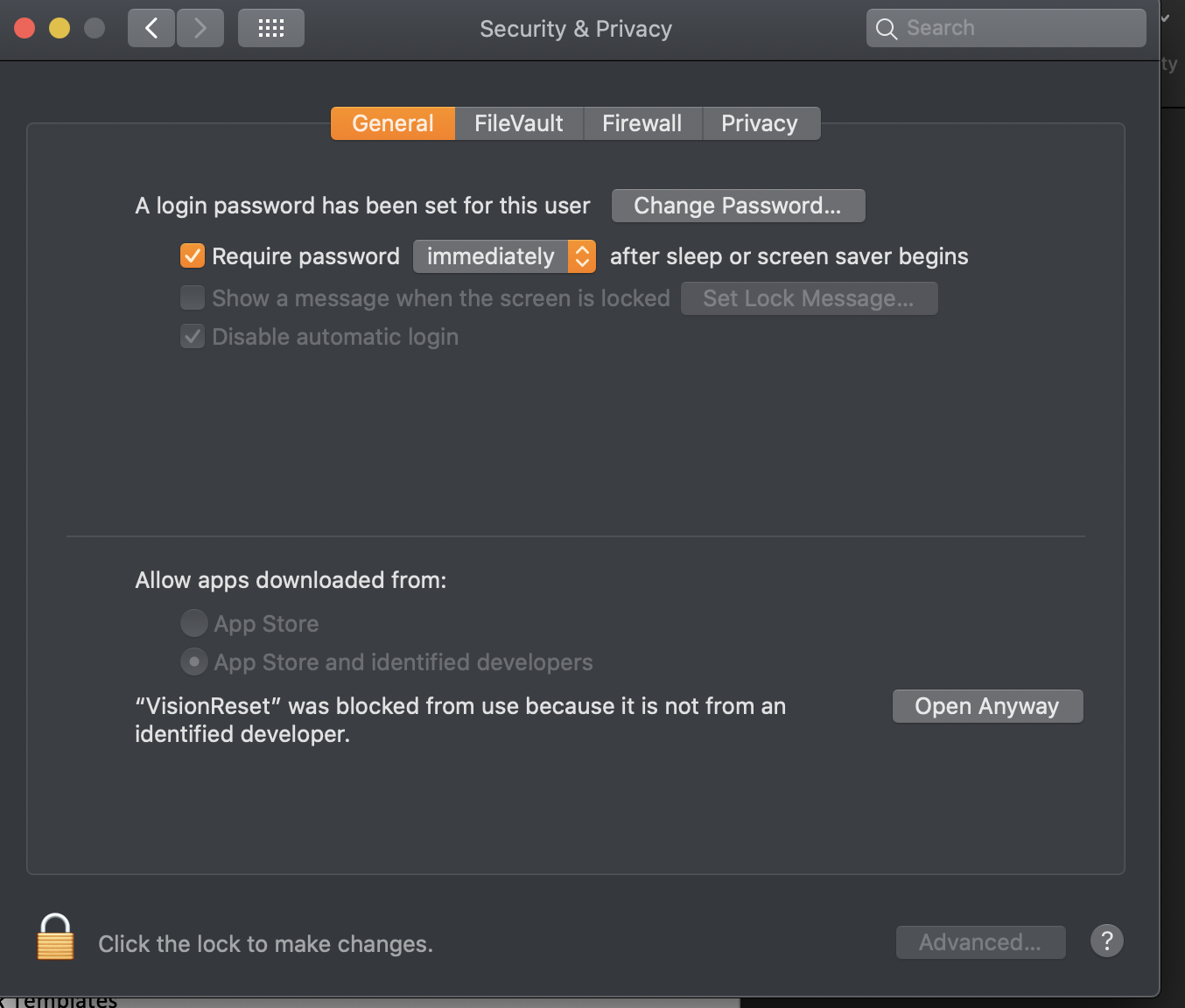
Select "Open Anyway"
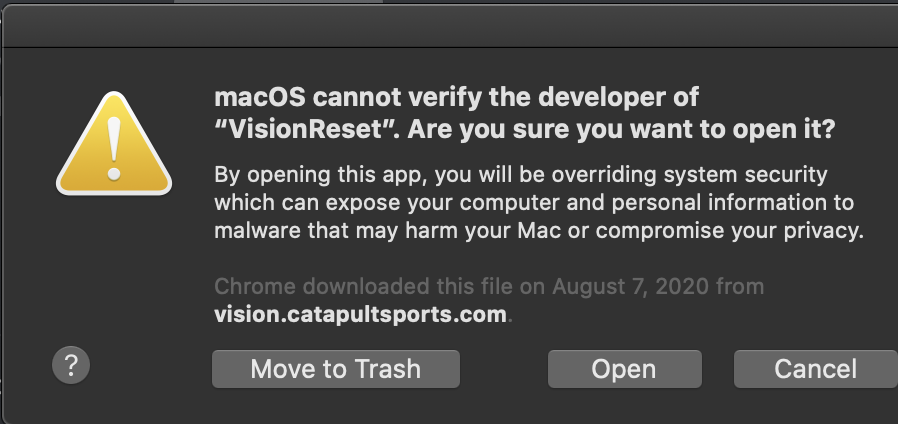
Select "Open"
Season Set Up
- Install newest Vision Build
- Create or Launch Desired Blank Templates
- Double click to launch your desired working template. This will show in template dropdown menu
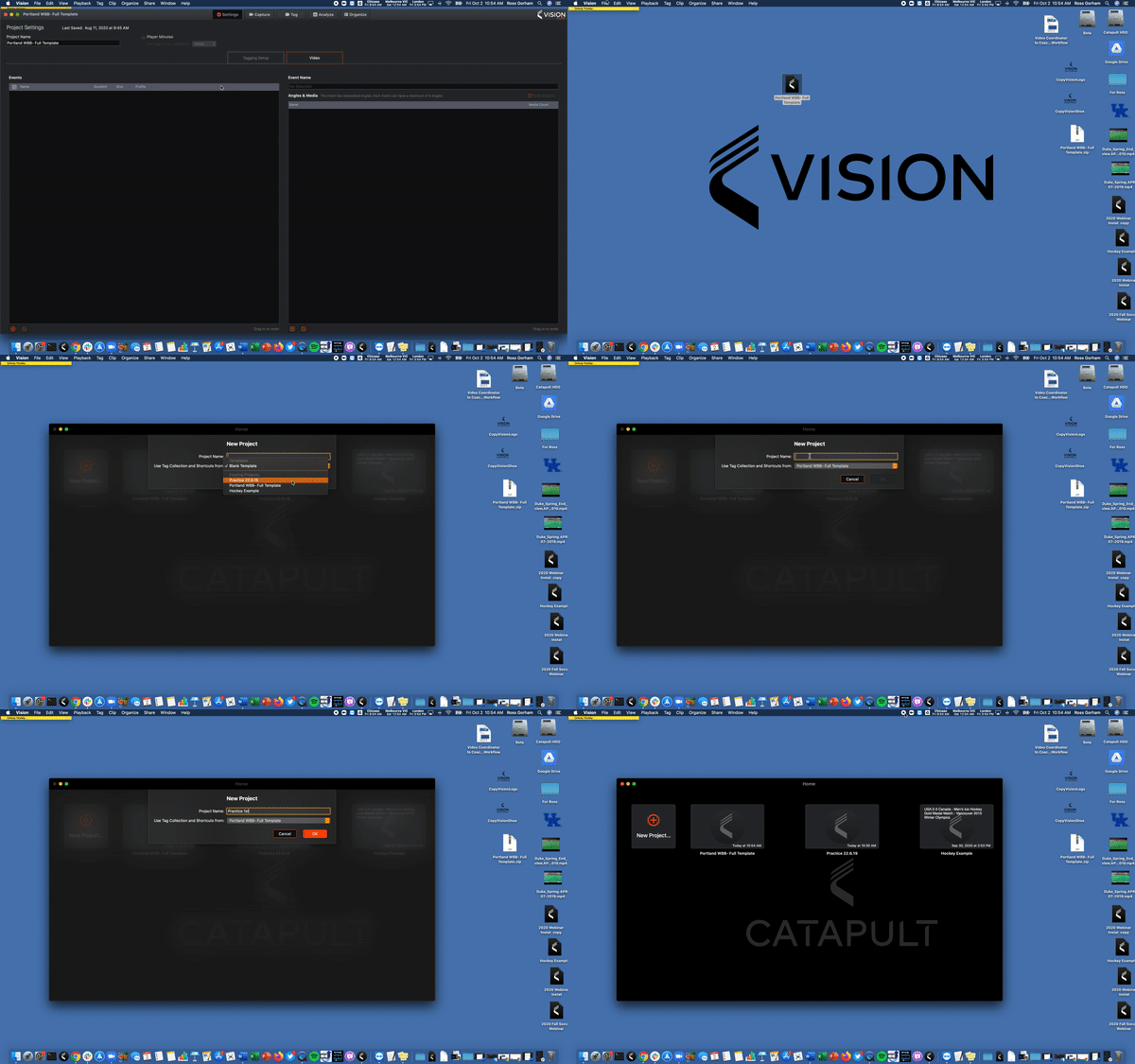
Create Coaches Project
- Launch newest desired template
-
- this is only necessary if there was an update to the template on another machine
-
- Create New Project with Appropriate Name
- Select the Template (see above)
- Import Video to Project
Comments
0 comments
Please sign in to leave a comment.