
Hockey TOI Workflow Options
Users who wish tag TOI have two general options in Vision 3.5.
1.) Users can create individual player tags for all players, hot key them and let them run as interval clips during the shift that player is involved in. Grouped by position would keep the rows succinct.
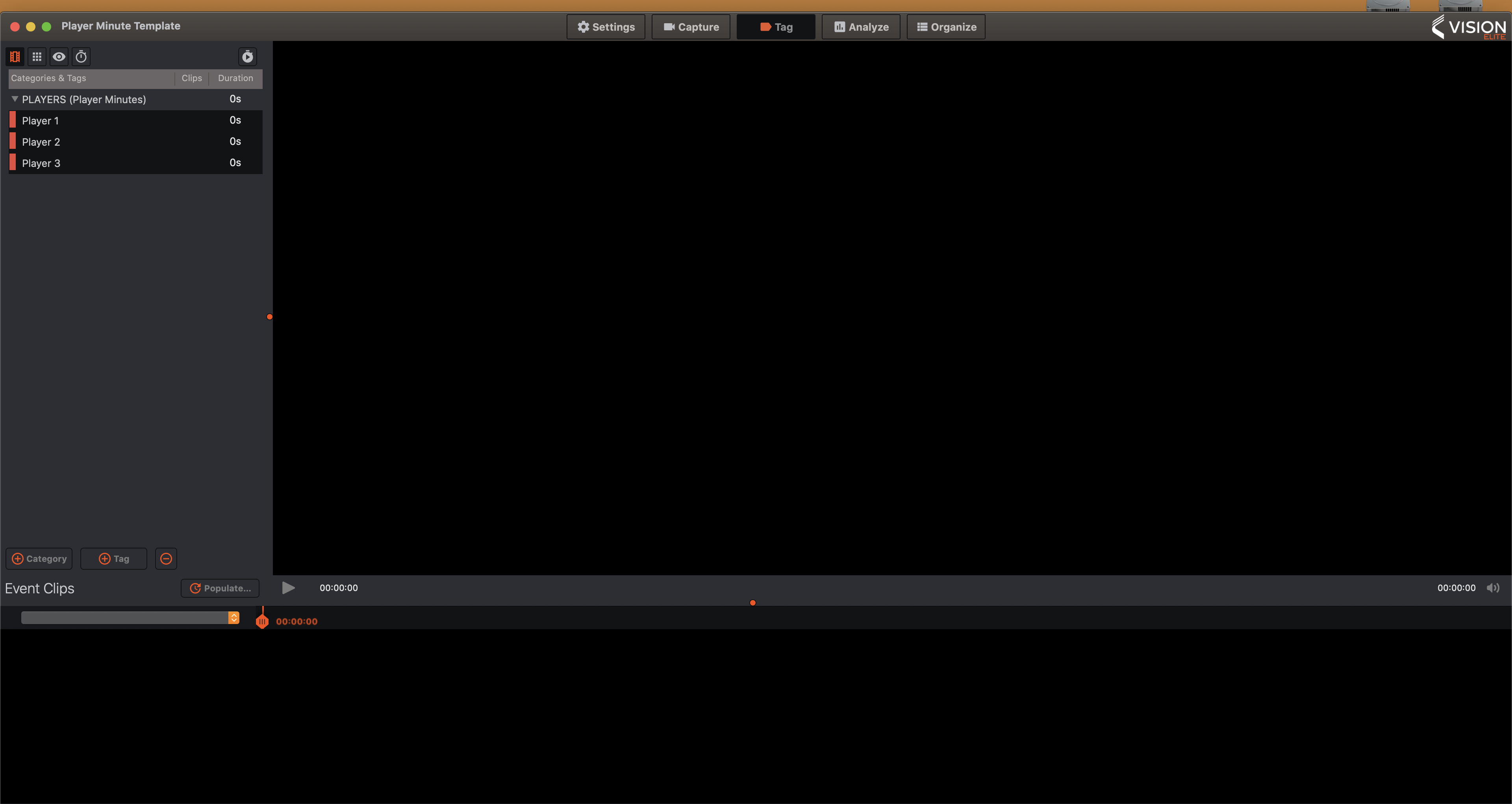
2.) Users who have the capacity to capture and tag on two devices could have a main capture device where they capture the game media, input the game tags and any additional game data. On a second computer, a user could start a capture that does not include a video input source and use the MacBook audio source, give that audio capture a name and simply tag player minutes. 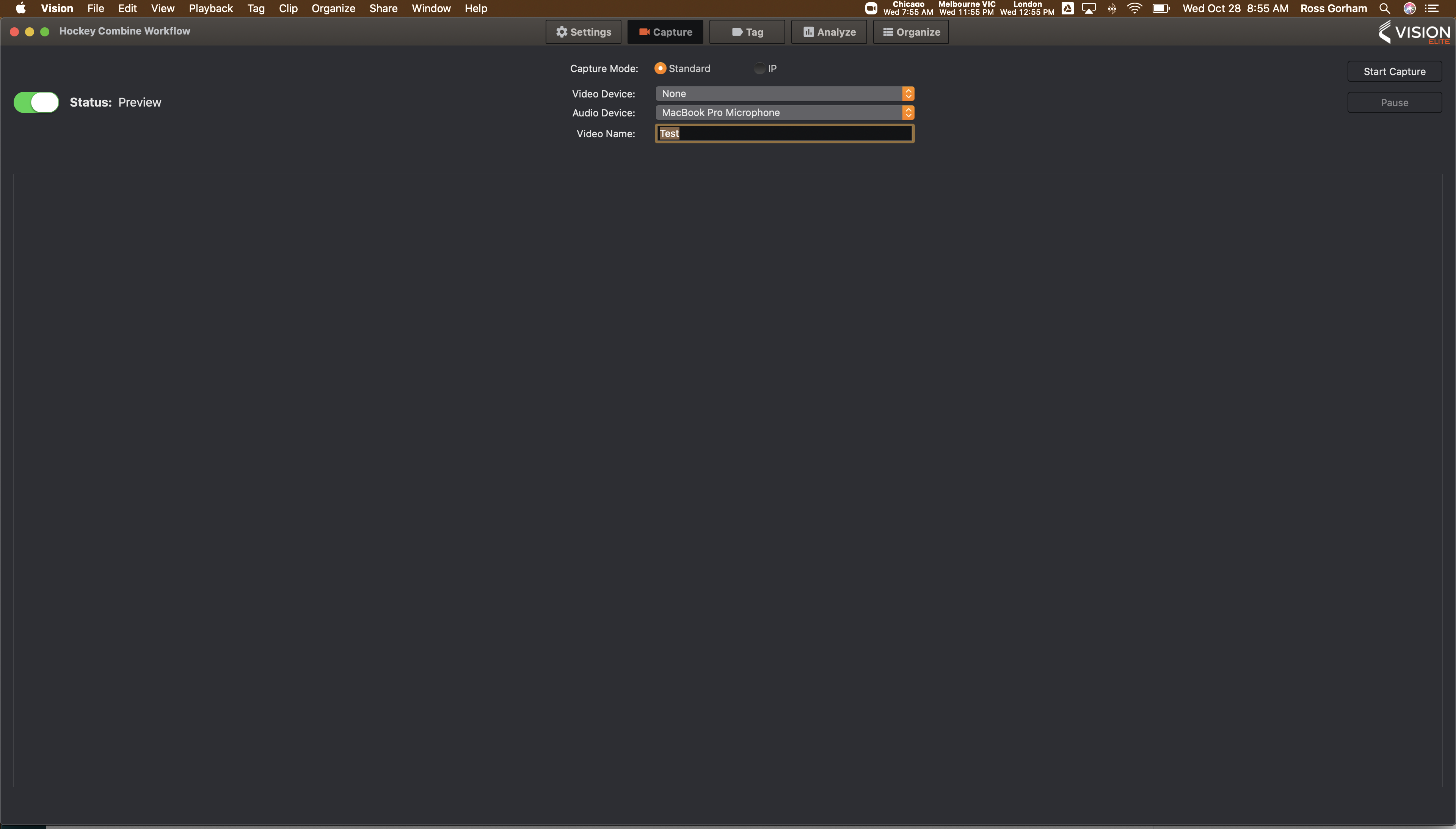
Then Post game export to CSV the tags from this project and import to the main capture computer
Comments
0 comments
Please sign in to leave a comment.