
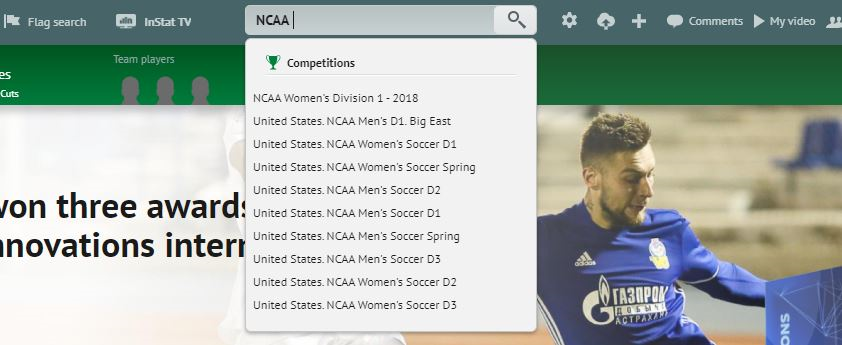
Catapult Vision can integrate many Third Party Providers Data sets, including inStat. Simply search within the inStat online console for the game you are wishing to utilize (see below).
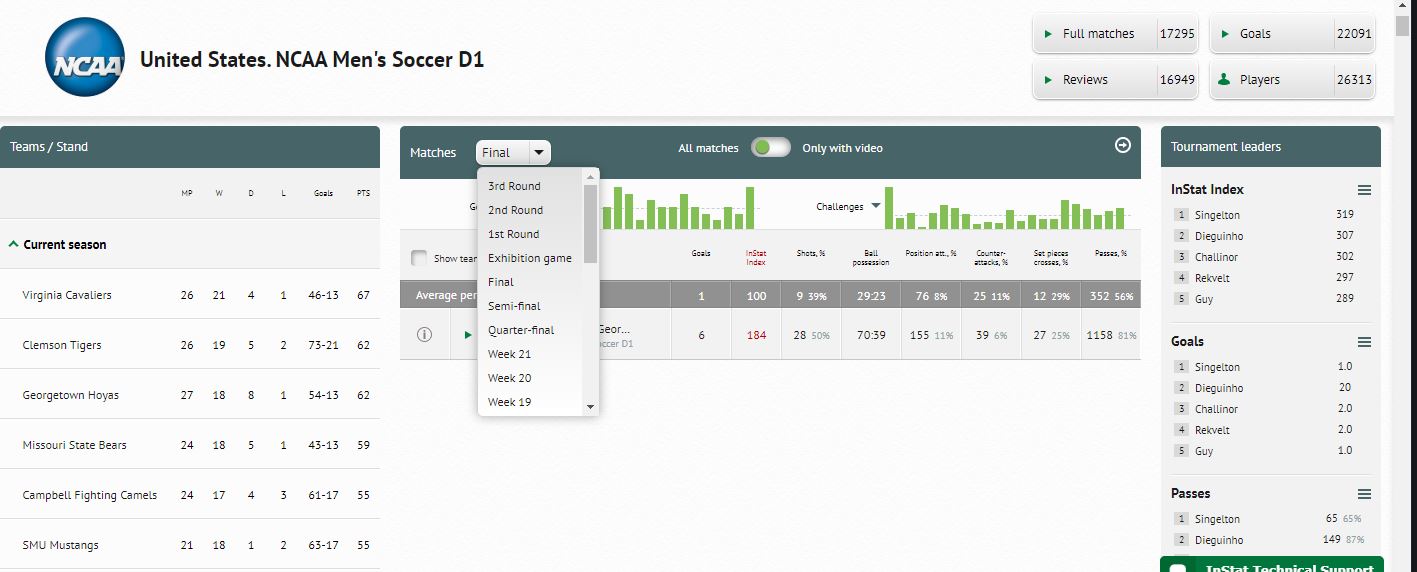
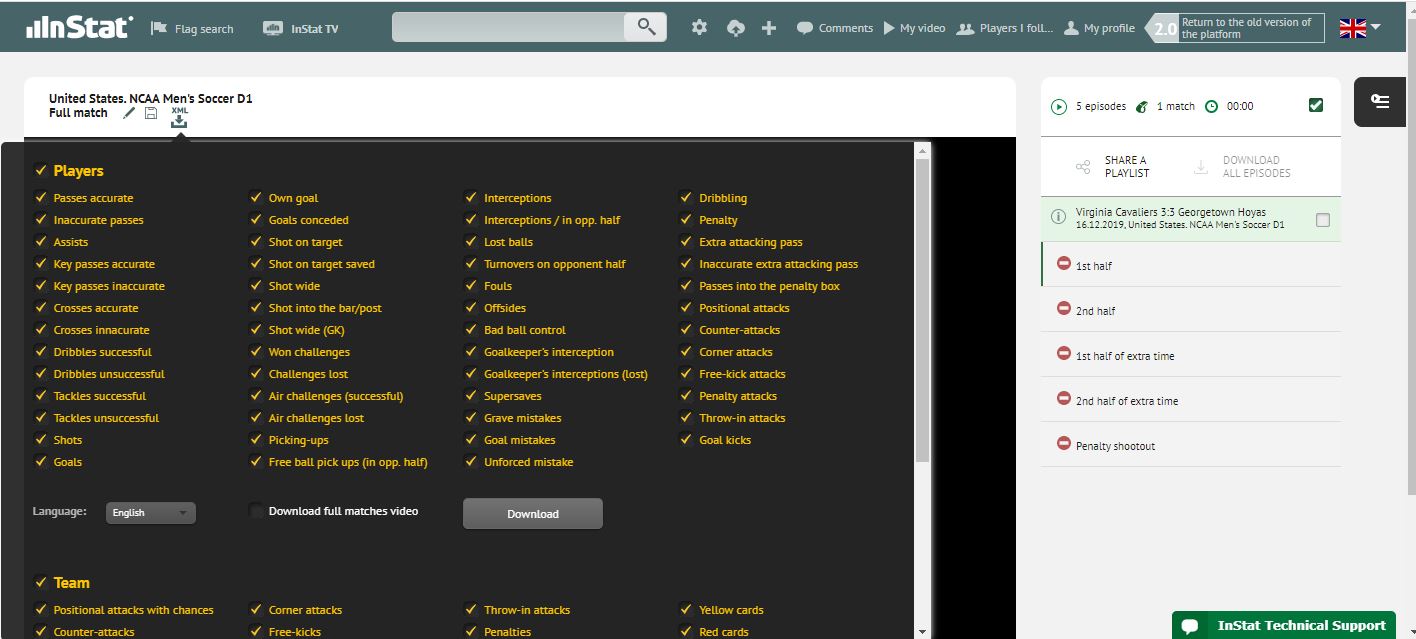
Once you have the game you are looking to utilize, you can use home footage or the provided inStat game footage*. After downloading that footage, you can select the 'XML' drop down which will provide data available to export (see below). Select all desired criteria then exporting.
After you have downloaded the inStat XML, you can open your VISION package, go to 'FILE', 'IMPORT', XML. This will allow you to select the game to associate the xml with and import data. If you check for sync, and find the first goal or shot does not match, please use the BUMP TOOL to move the tags to the appropriate place on the timeline.
*inStat game footage will have no need to re-sync or move tags after import*
Comments
0 comments
Please sign in to leave a comment.